|
New! Scan Tracking Numbers
Into Order Trakker with Ordermate
|
Order Trakker works with Checkmate to manage orders from sales all the way to delivery. Plus, the Ordermate mobile app helps you manage Order Trakker orders right from your phone!
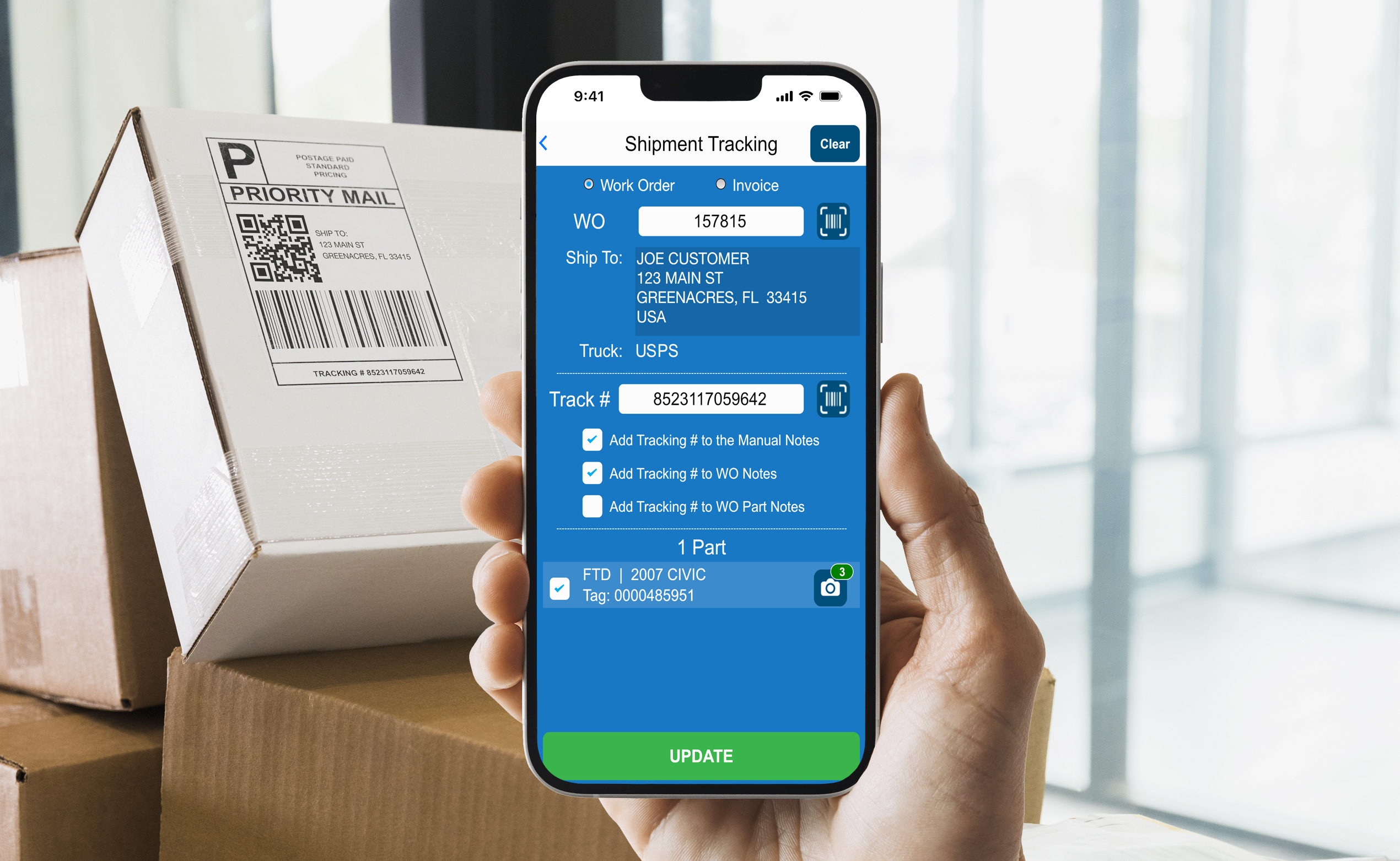
Now you can use Ordermate to scan shipment tracking numbers right into Order Trakker. (This is especially helpful when you don't have your shipping software on the same computer as Checkmate.) No need to type the numbers in to Order Trakker; just scan the barcode in with your phone. Along the way, you can also add the tracking number to Checkmate notes and add or edit part photos, if you need to.
|
It's quick and easy! Here's how it works:
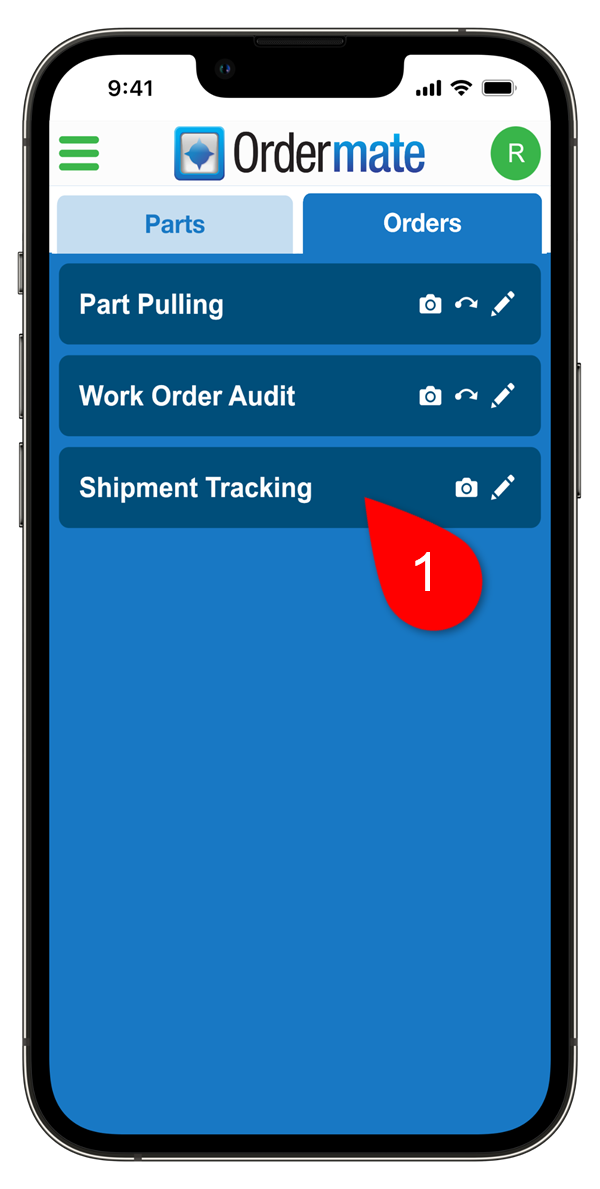
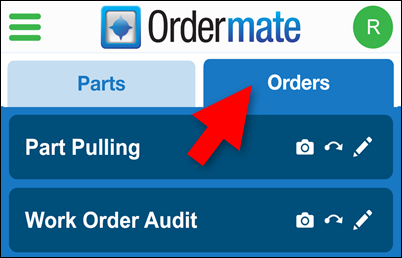
- In the Photomate app, go to the Orders tab to switch to Ordermate, and tap Shipment Tracking.
|
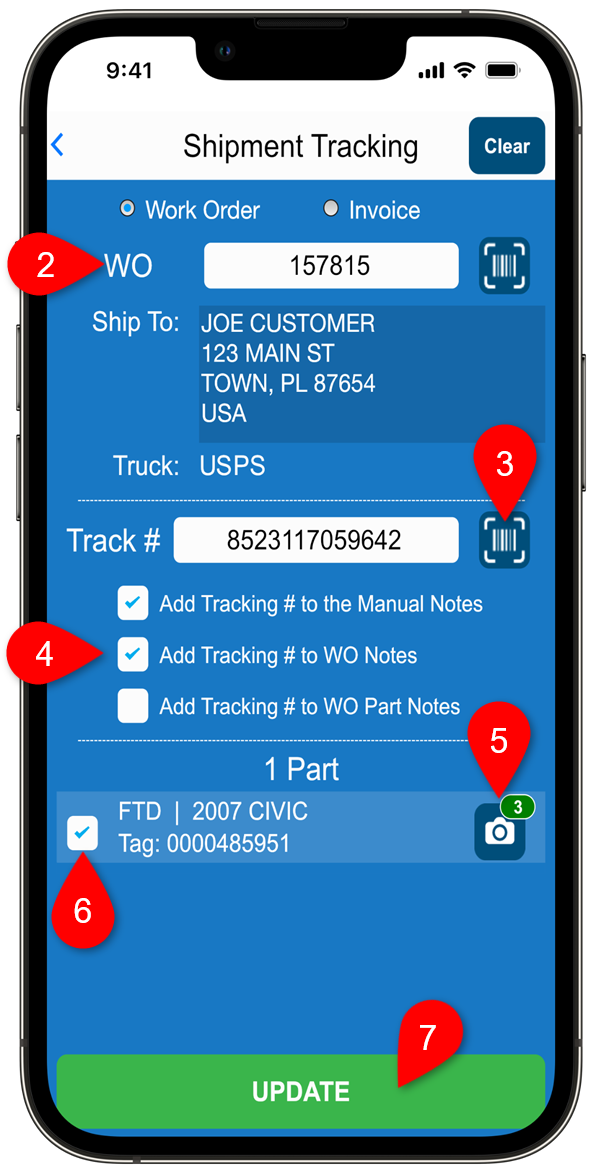
- Scan the work order or invoice barcode (or type in the number).
- Scan the tracking number barcode.
- (Optional) Check the boxes for the Checkmate notes you want to add the tracking number to.
- (Optional) Add or edit part images.
- Verify which work order part(s) you want to add the tracking number to.
|
- Send the updates to Checkmate.
That's it!
See it In Action!
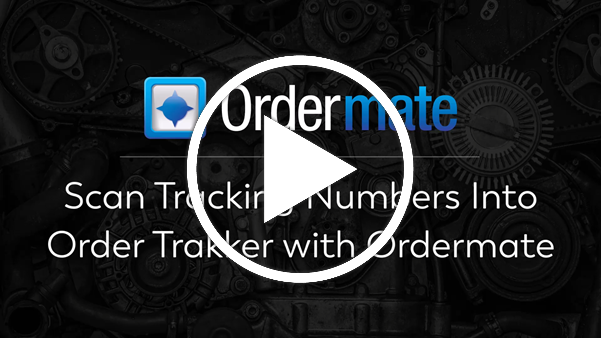
Want a more detailed walkthrough? Click the thumbnail below to watch a 5-minute video about scanning in tracking numbers in Ordermate:
|
If you prefer to read about it, the Ordermate User Guide has all the details! You can find the Ordermate User Guide on this page. |
Ready to Try It?
If you have Order Trakker, then your subscription already includes Ordermate! Ordermate operates inside of the Photomate mobile app.
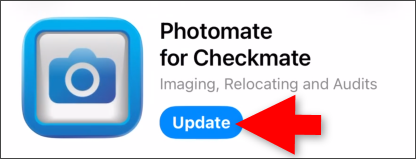
- If you already use Photomate and Order Trakker, you don't need any additional setup. Just update your Photomate app in the app store to the latest version.
|
- Inside the Photomate app, you can access Ordermate from the home screen by tapping Orders.
|
- If you already use Order Trakker but have never used the Photomate app, you'll need to get set up first before you use Ordermate. Contact your support tech directly for help, or call Car-Part's main office: 859-344-1925.
If you don't have Order Trakker yet, contact your Order Trakker salesperson. Order Trakker works with Checkmate to manage your work orders efficiently and streamline your production process for maximum productivity and profitability. Ordermate helps by reducing errors, improving quality control, and saving time.
|
|
SEMA Show
November 3-6
Las Vegas, NV
Booths:
- Business Services: Booth #11616 (North Hall)
- Collision Repair: Booth #34149 (South Upper Hall)
Auto Recyclers Northeast (ARNE) Convention & Tradeshow
November 5-7
Monticello, NY
|
|
© 2026 Car-Part.com. All rights reserved. All trademarks are the properties of their respective owners.
|
|
|
|
|
|